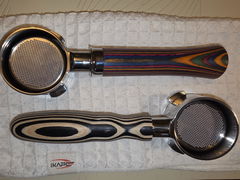
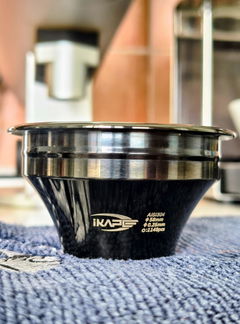
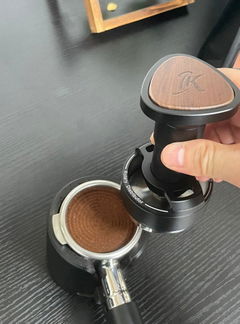
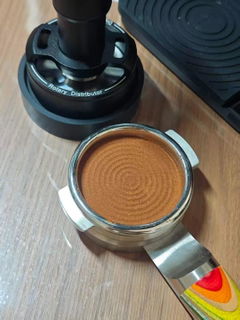
IKAPE Openwork Bottomless Portafilter with High Extraction Precision Basket
IKAPE All-in-One Coffee Distributor and Tamper Combo - UniPress


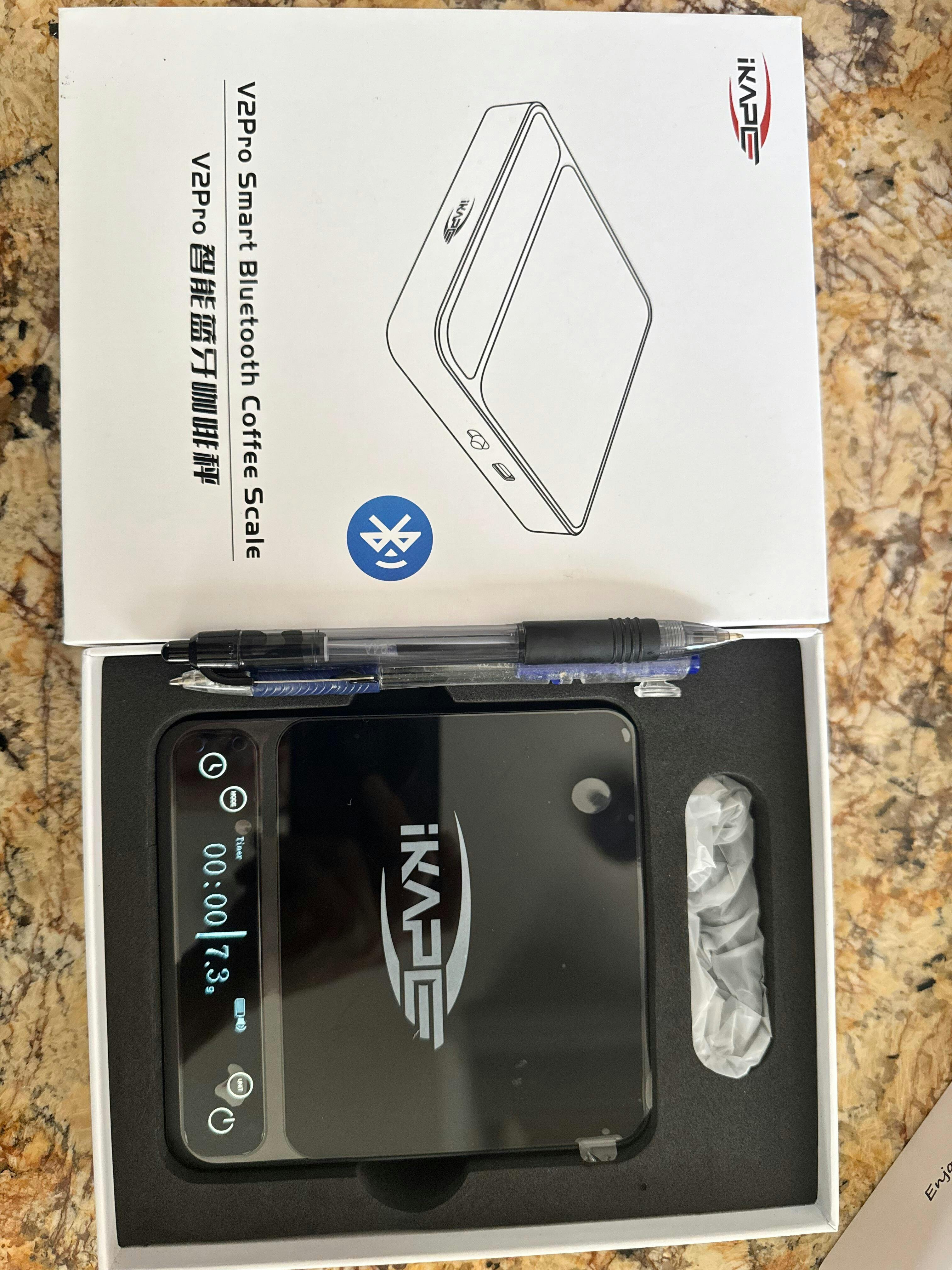
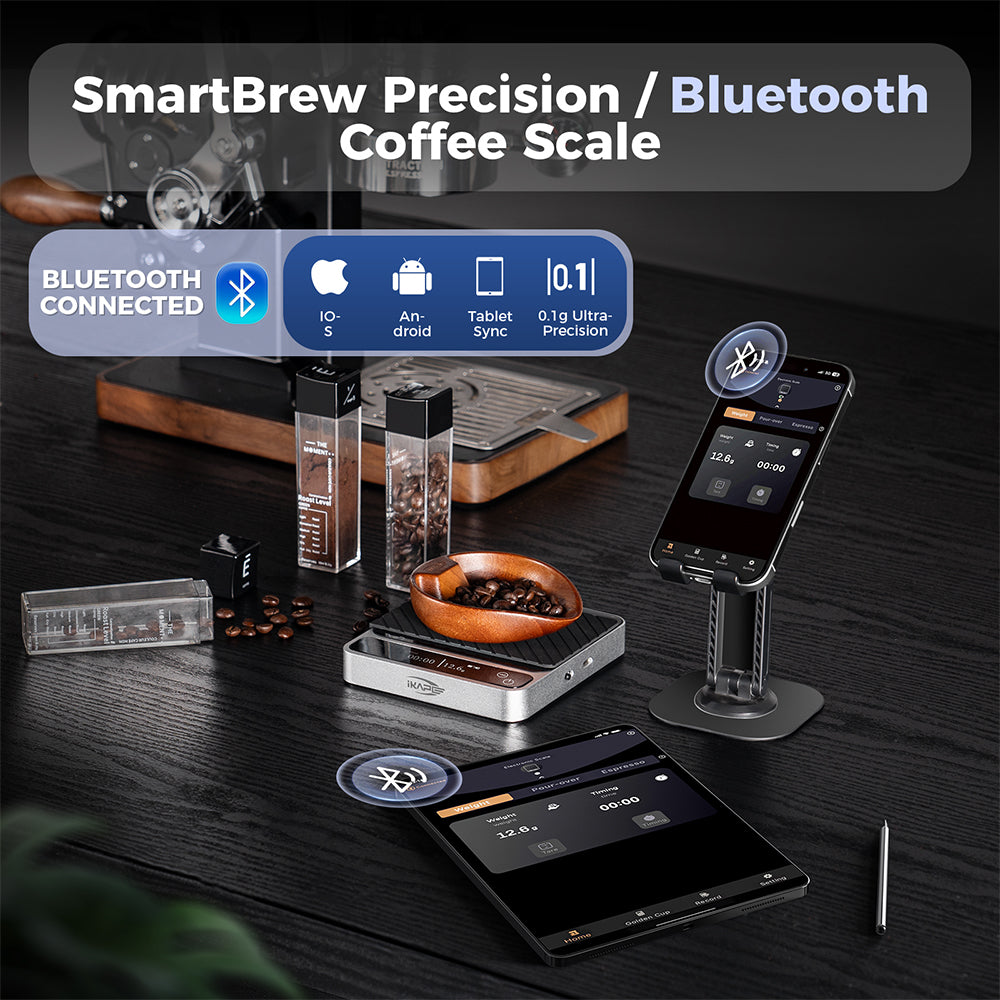
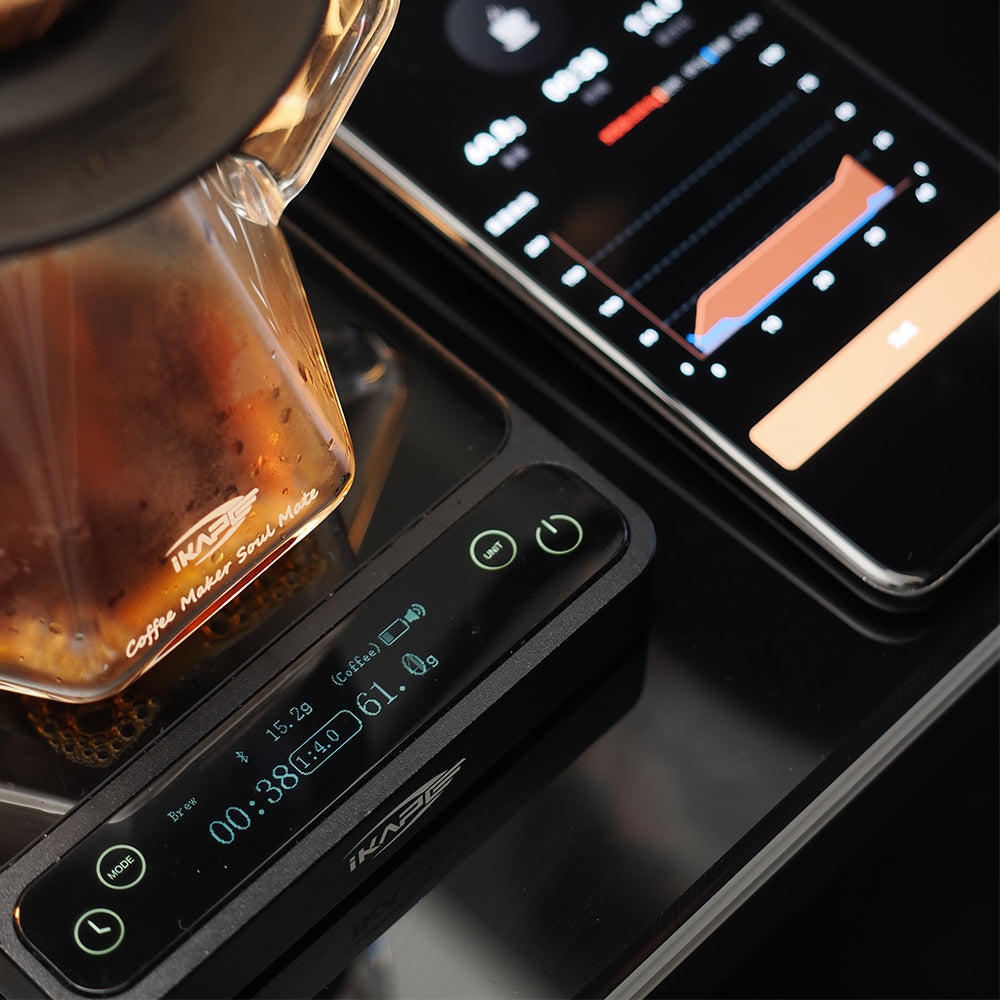
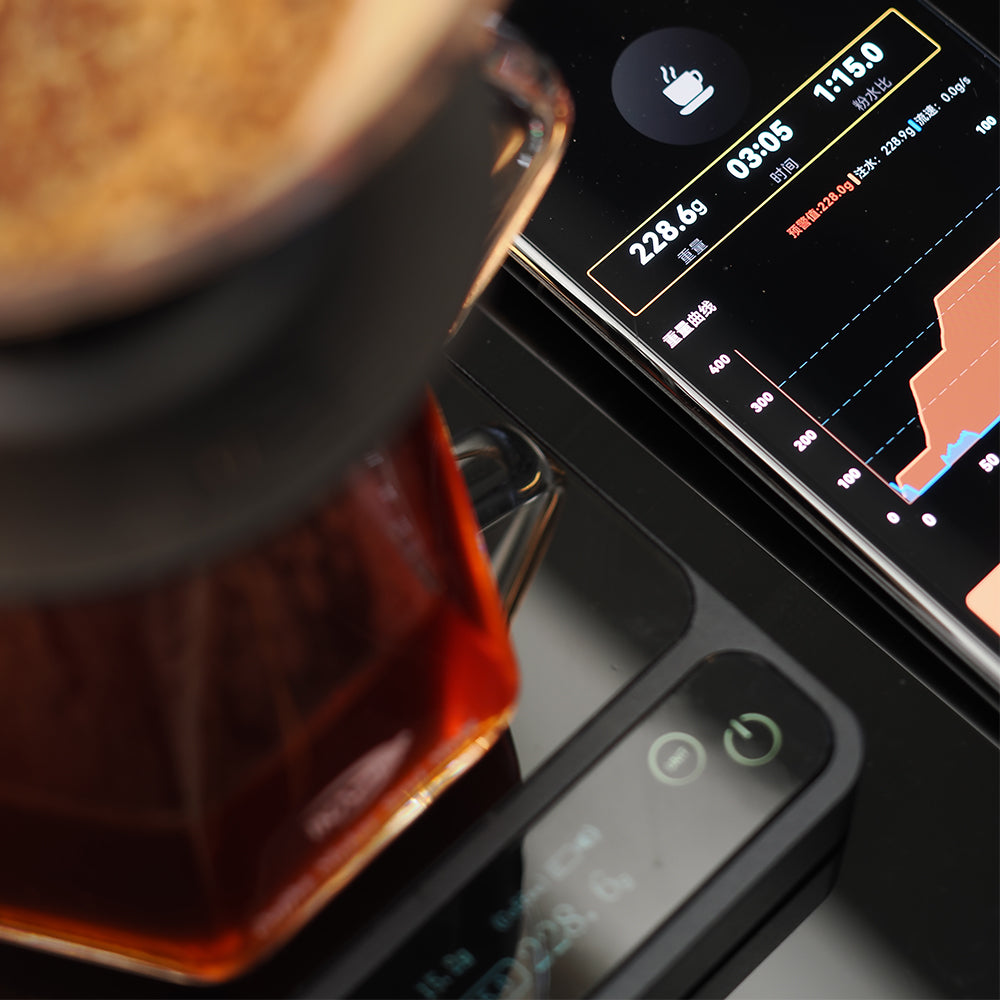
IKAPE Coffee Scale V2 Pro has a built-in Bluetooth module and can be connected via the mobile app “IKAPE Cafe” developed by the IKAPE team. Get real-time coffee brewing data. And you can control the operation and selection of the electronic scale by controlling the operation of the cell phone APP.
Look for “IKAPE cafe” in your mobile app store to find the app. click download to get the IKAPE app
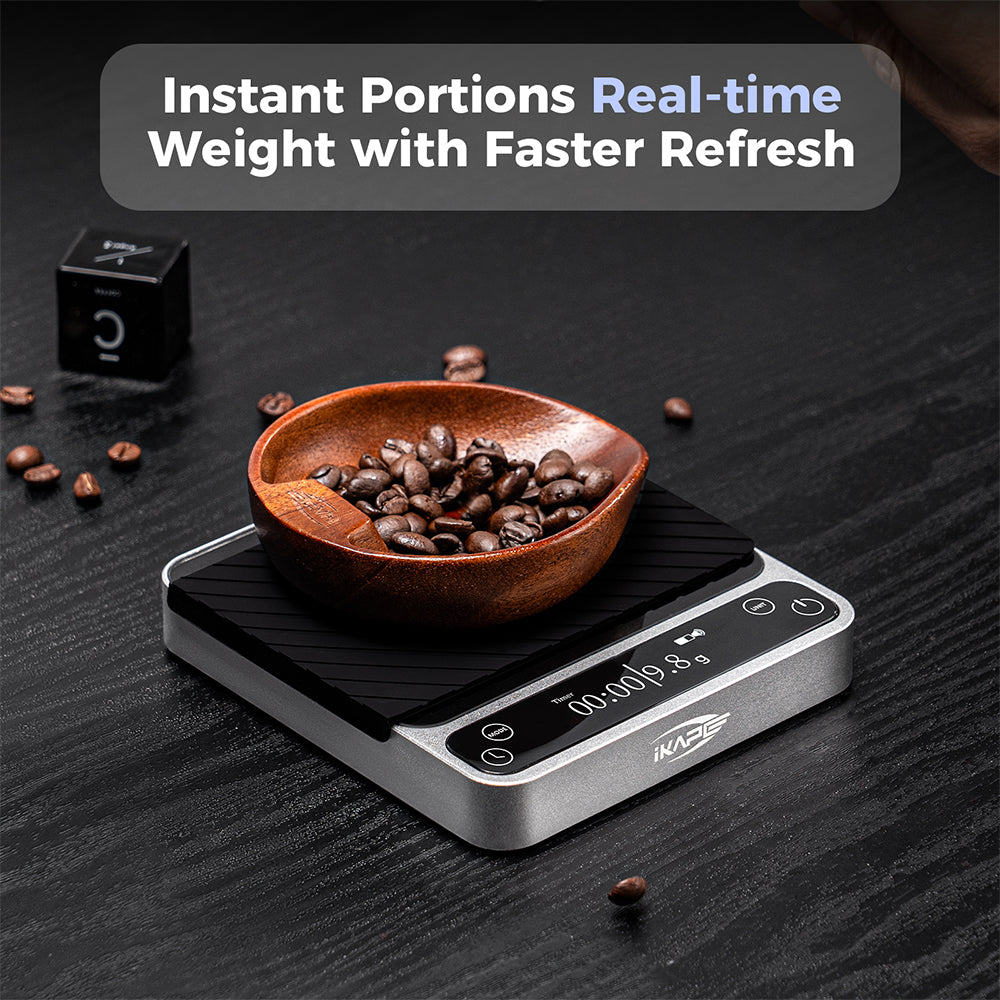
IKAPE This Bluetooth electronic scale has three smart modes. Regular Mode: automatic timing and weighing, with an accuracy of 0.1g; Pour over Mode: real-time display of brewing curves, powder to water ratio, coffee brewing time, etc.; Espresso Mode: set up a reminder function in advance, which can be set to beep to remind of the end of the extraction when the concentrate reaches the target value. The data from all three modes of the coffee scale can be displayed on both the scale screen and the mobile app.
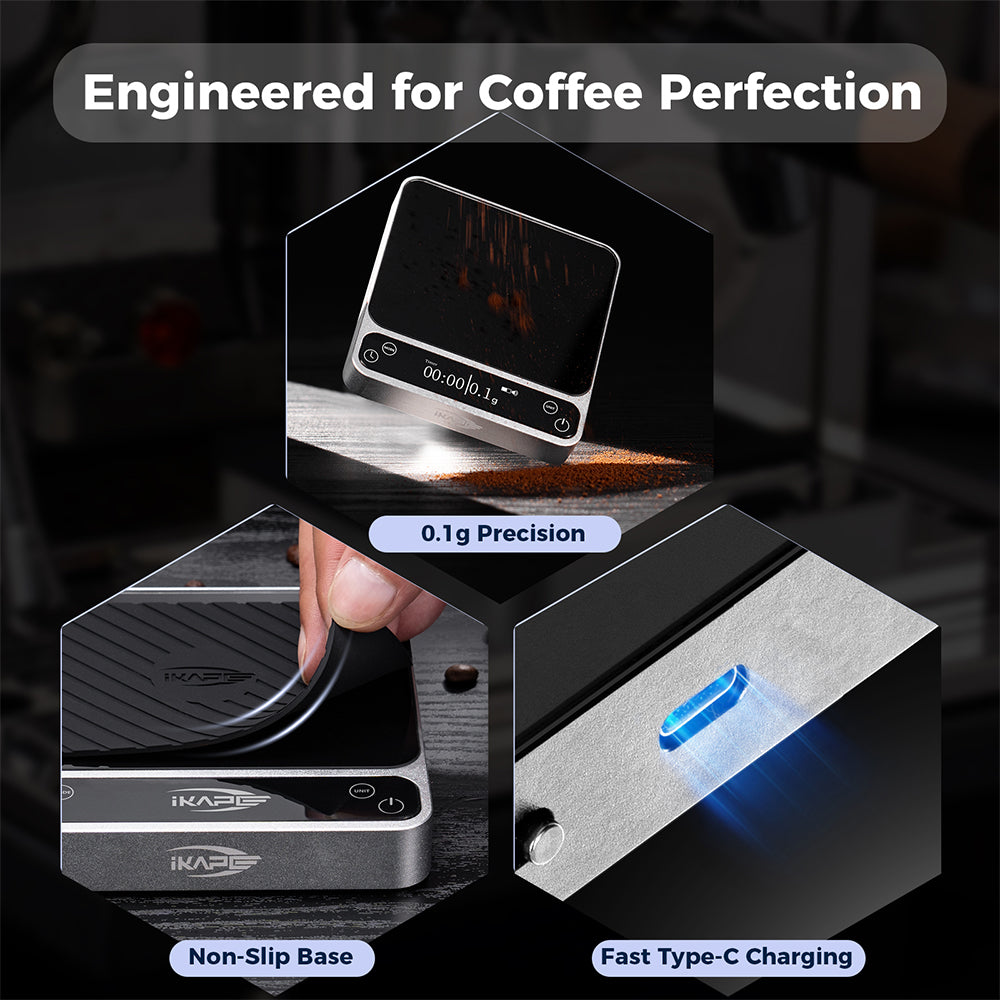
The coffee scale body size: 5.04*4.65*0.79 inch. This IKAPE smart electronic scale is made of one-piece CNC aluminum alloy machining, with an ultra-metallic body. In addition, high borosilicate glass is used as the electronic scale panel. It is also equipped with a piece of anti-scald silicone.
The Bluetooth electronic scale panel features a high-definition OLED display that is touch sensitive and displays HD with sharper resolution.
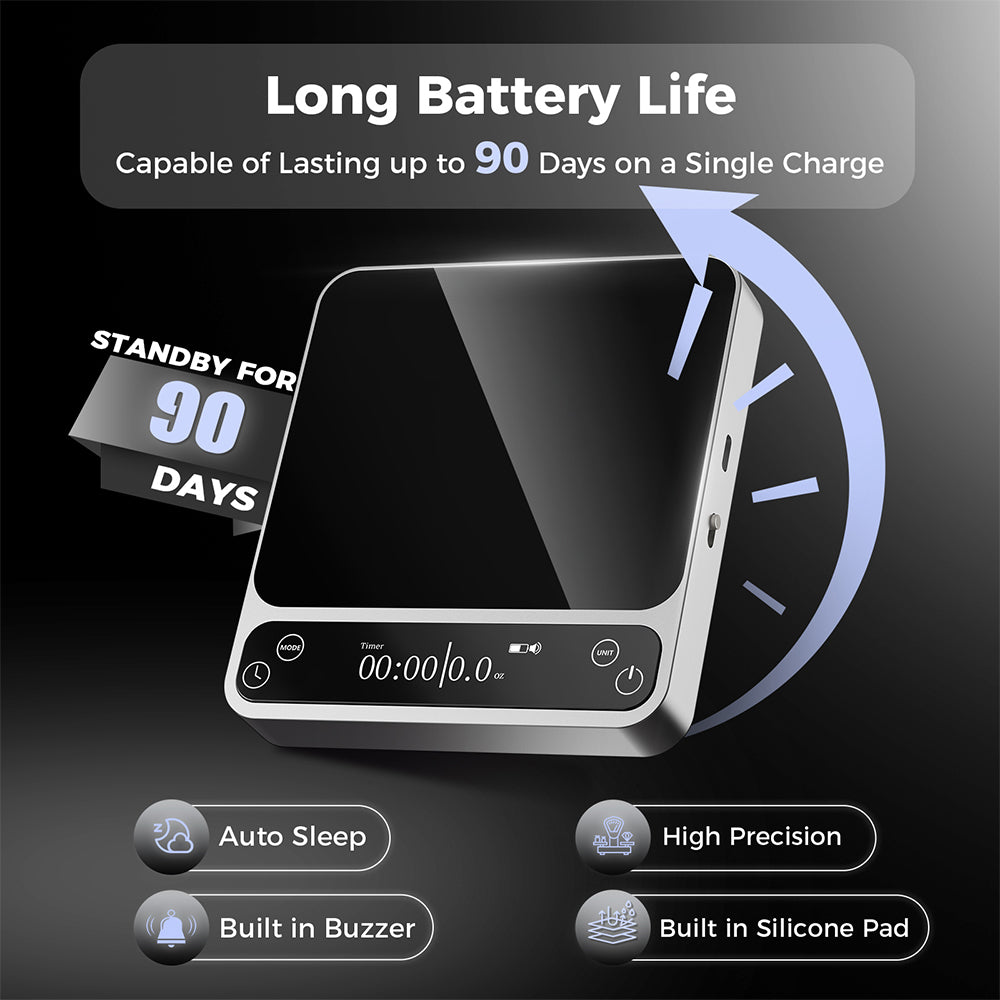
Equipped with high-capacity battery, 1500mAh, one charge can standby for 15-20 days, no need to charge frequently. Note that you don't need to use fast chargers over 30W to charge the scale.
Note: Remember to switch off the physical button located on the side of the electronic scale after use; otherwise, the device will continue to consume power even after the screen has turned off, which will negatively impact its battery life.
IKAPE APP has a built-in function to save coffee brewing data, which allows you to record the data of each coffee brewing, such as the type of coffee beans, roasted degree, freshness, temperature of brewing water, weight of the coffee beans, brewing utensils used, brewing flavor tasted, as well as your thoughts on this brewing, etc. These brewing records are good for you to use to replicate the flavor of the exact same coffee brew. You can even use them to modify your coffee brewing experience. You can also share this brewing experience with your friends
Global delivery, Europe, America, Australia, some countries can be reached in 5 days
IKAPE products are all original, and the core products have applied for patent protection.
IKAPE products are all made of healthy and non-polluting materials that are food grade. Food certified in the US, EU, Korea and Japan
Ask via live chat in the lower left corner or via email and we'll be sure to respond within 24 hours: info@ikapestore.com
Couldn't load pickup availability
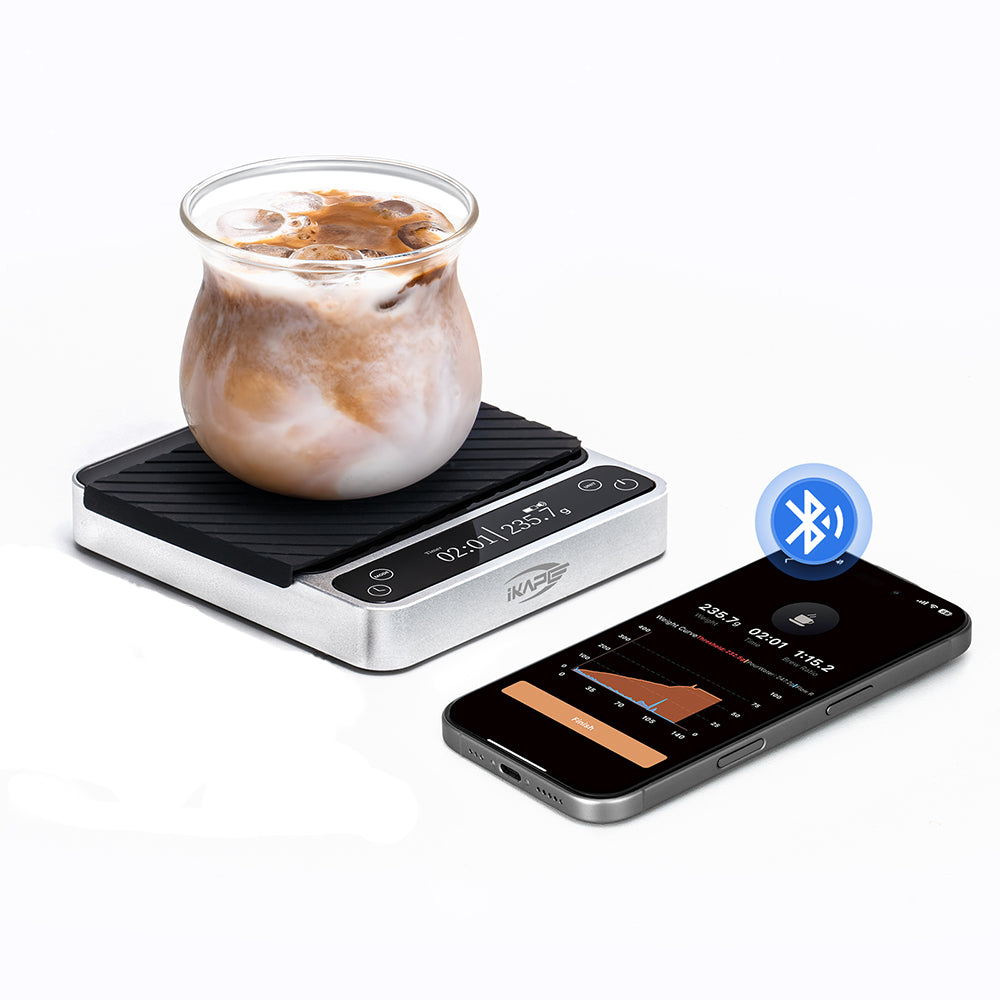
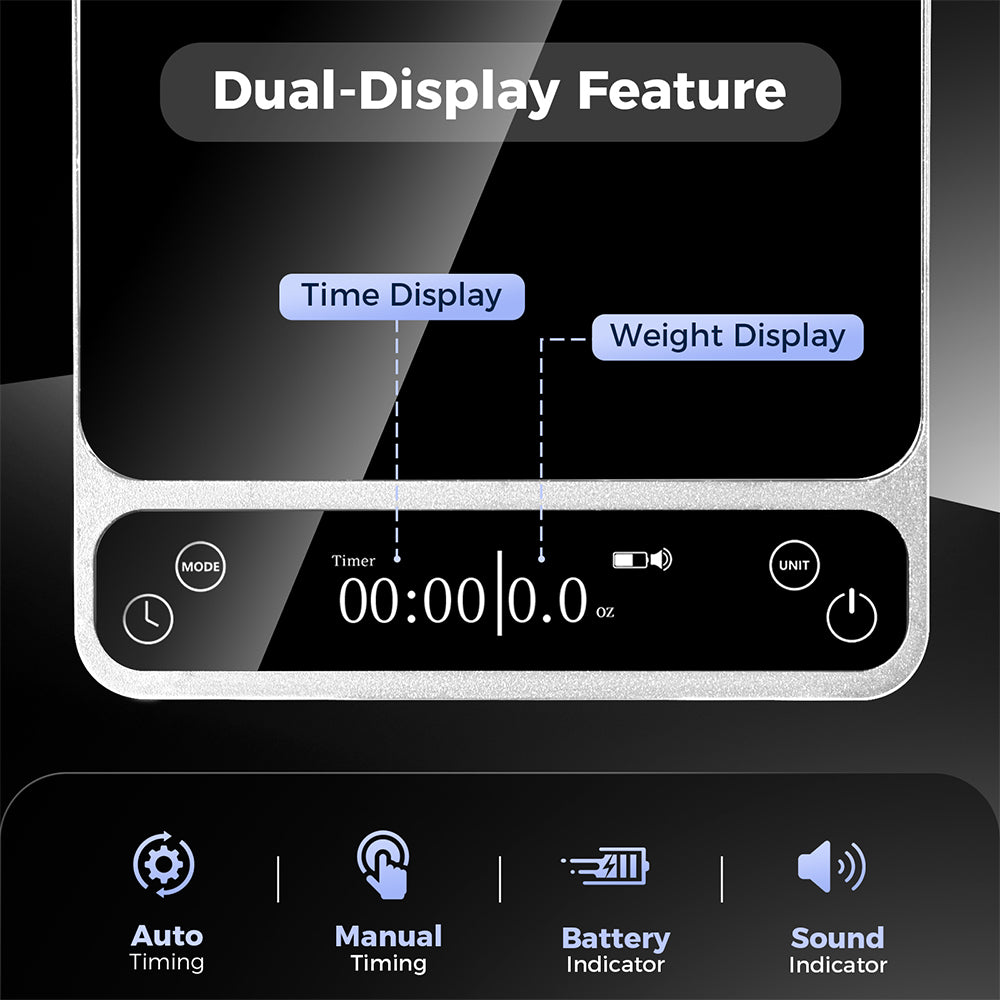
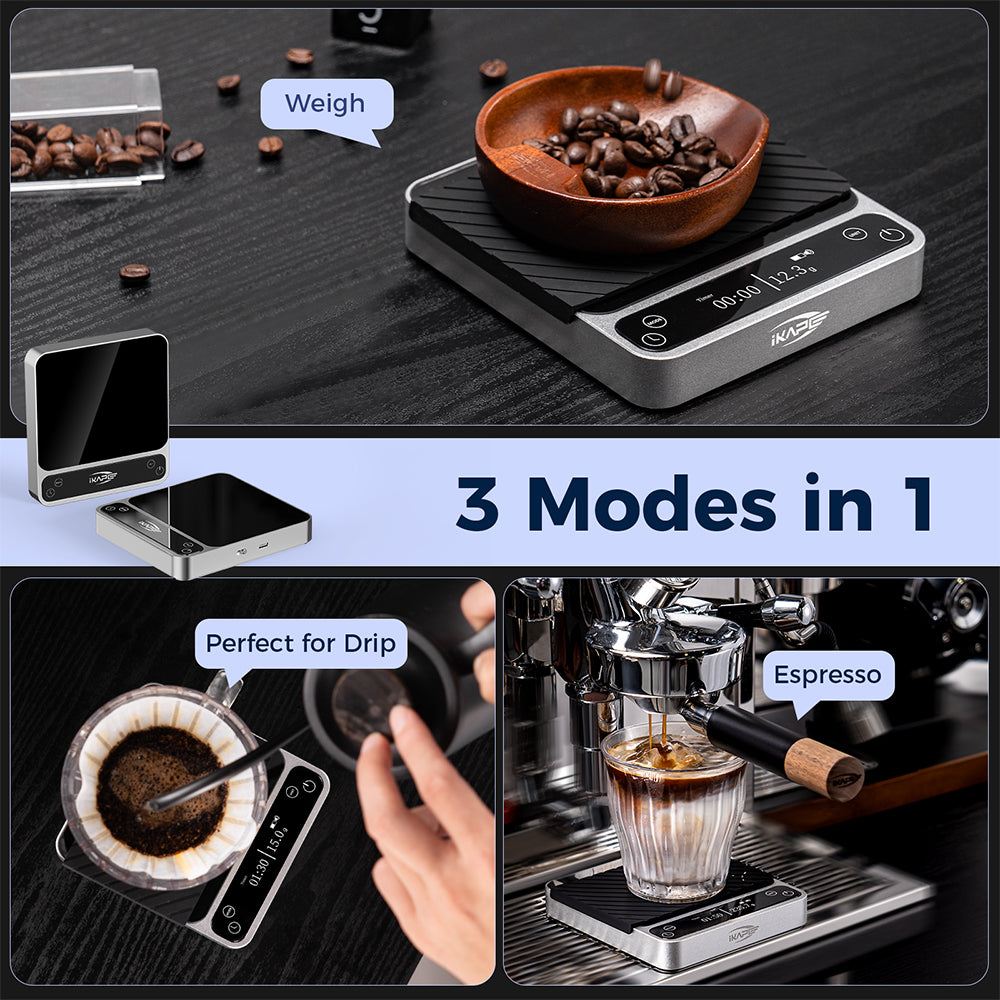
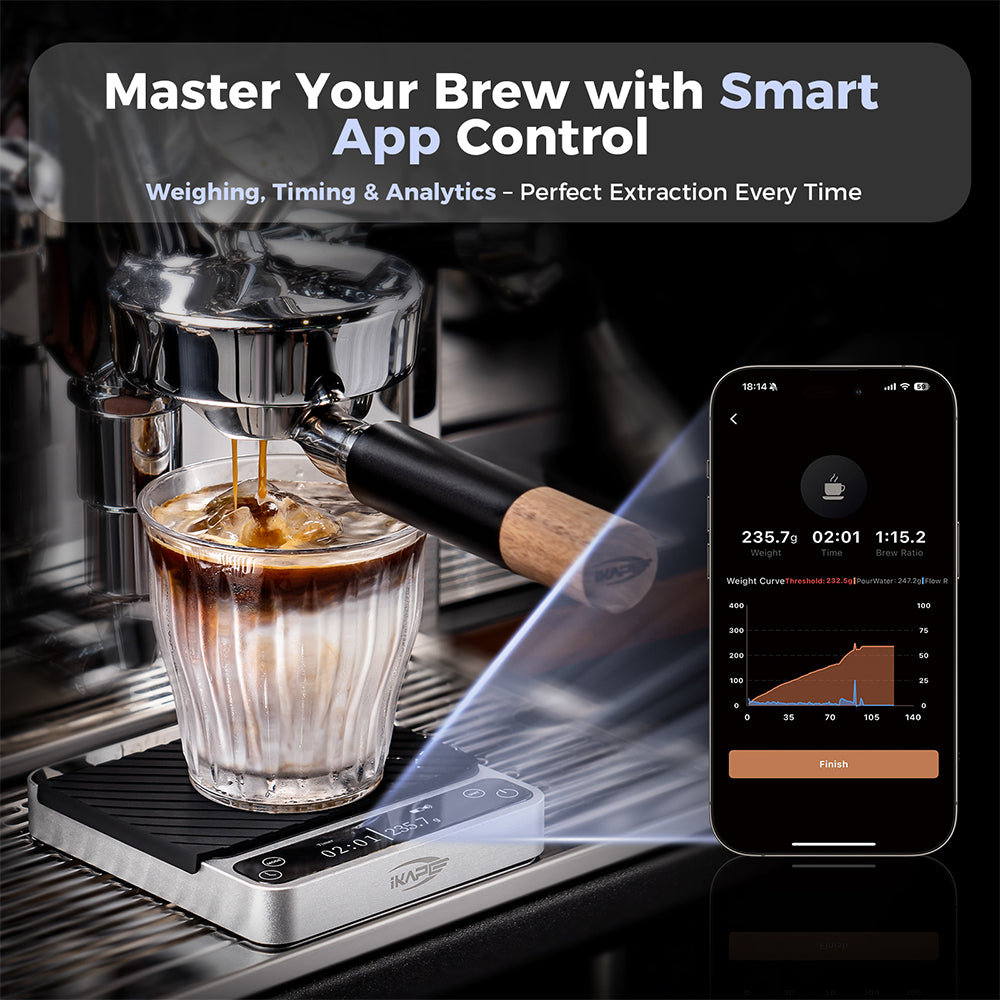
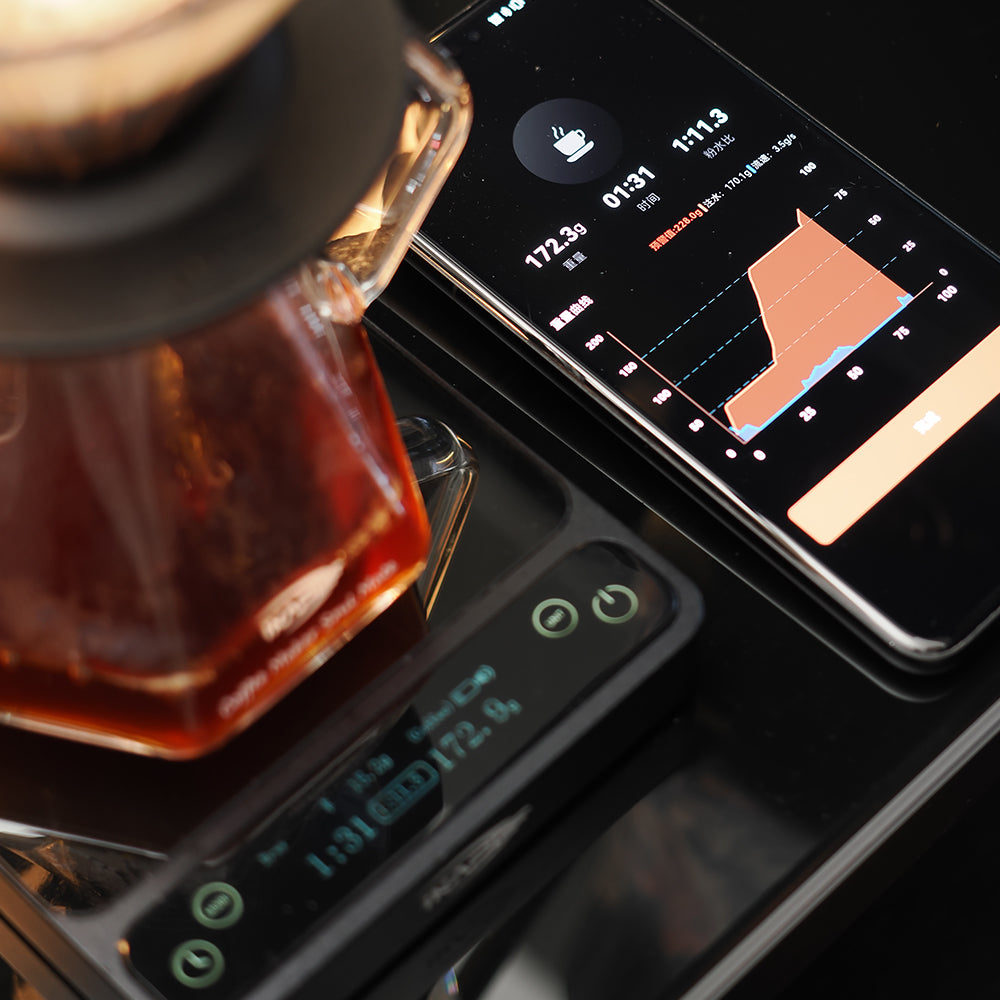
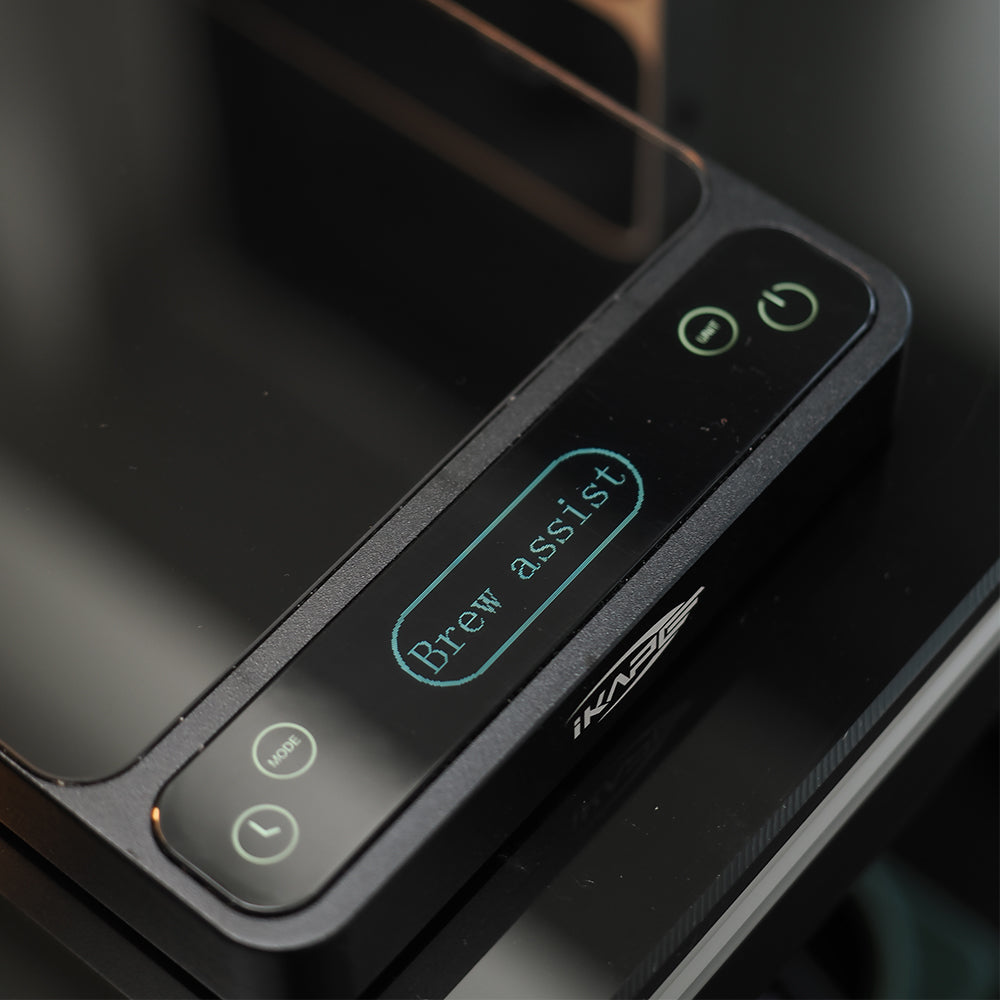
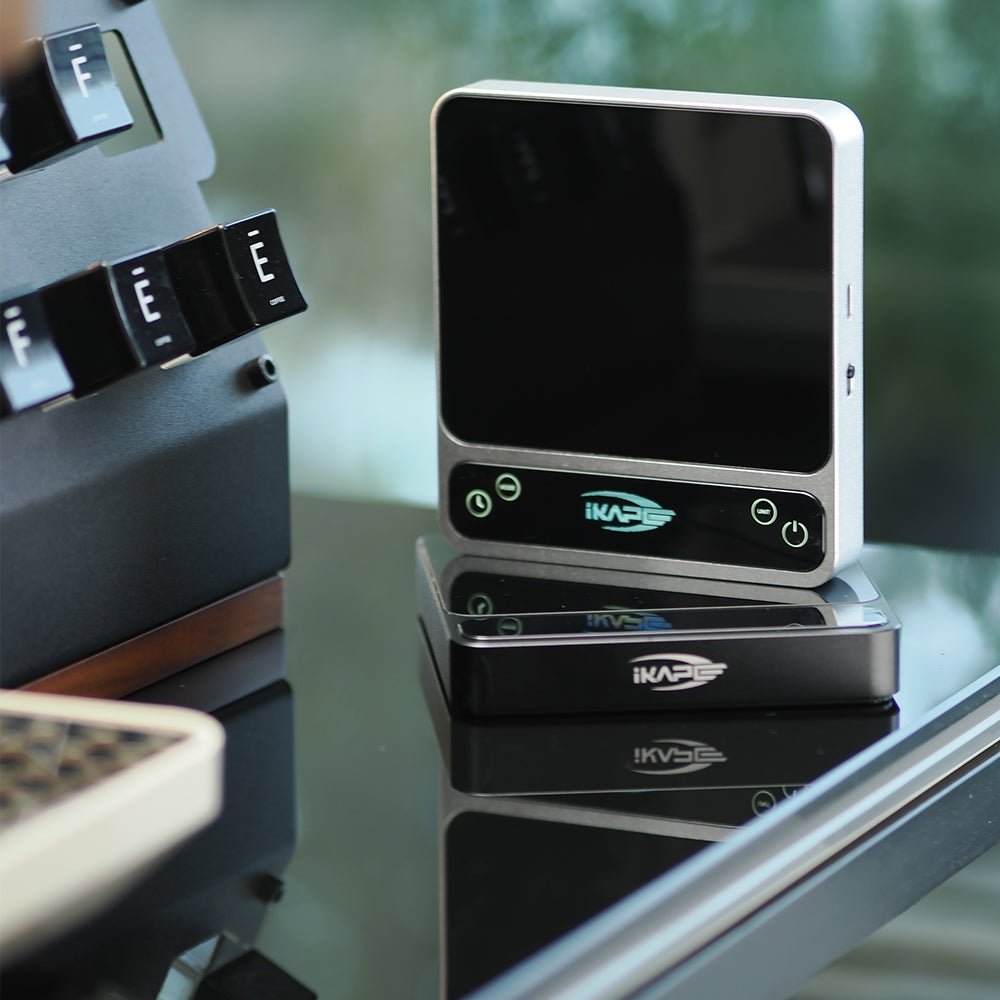


IKAPE Bluetooth electronic scale's smart mode - espresso mode, pre-set your extraction concentrate value, after reaching this target value, the electronic scale will remind you to complete the extraction. The electronic scale starts timing after receiving a stable concentrate.

The pour over smart mode of this smart coffee electronic scale can record the data of coffee brewing, and display the ratio of coffee powder and water and brewing time in real time. After brewing is completed, the data of this brewing can be recorded.

You can set the sleep timer in the app so it won’t go into sleep mode too quickly. After connecting to the app: go to Settings at the bottom of the home screen → then select Auto Sleep Timer.
Do not toggle the side switch after completing the settings. Simply let it enter sleep mode automatically, and wake it up by lightly tapping the on-screen button.
The official companion application is named "IKAPE Cafe".
You can easily find and download it for free by searching "IKAPE Cafe" in the Apple App Store or Google Play Store.
Connection Technology: Equipped with an upgraded Bluetooth 5.0 module, the scale syncs with the app with ultra-low latency. Once connected, data transmission—such as real-time flow rate and weight curves—is incredibly smooth and responsive.
Connection Tips (To Avoid Common Issues):
For Android Users: When connecting for the first time, you must enable Location Services (GPS) for the "IKAPE Cafe" app in your phone settings, in addition to turning on Bluetooth. This is a hard requirement by the Android OS for scanning Bluetooth devices; without it, the scale might not show up.
Device Pairing: Always open the App and search/connect to the scale from within the app itself, rather than trying to pair it manually via your phone’s system Bluetooth settings.
Press the left button with three short presses followed by one long press to enter calibration mode. Place the weights as prompted to complete calibration. Use 500g, 1000g and 2000g weights for calibration.